Creating Homelab
Motivation
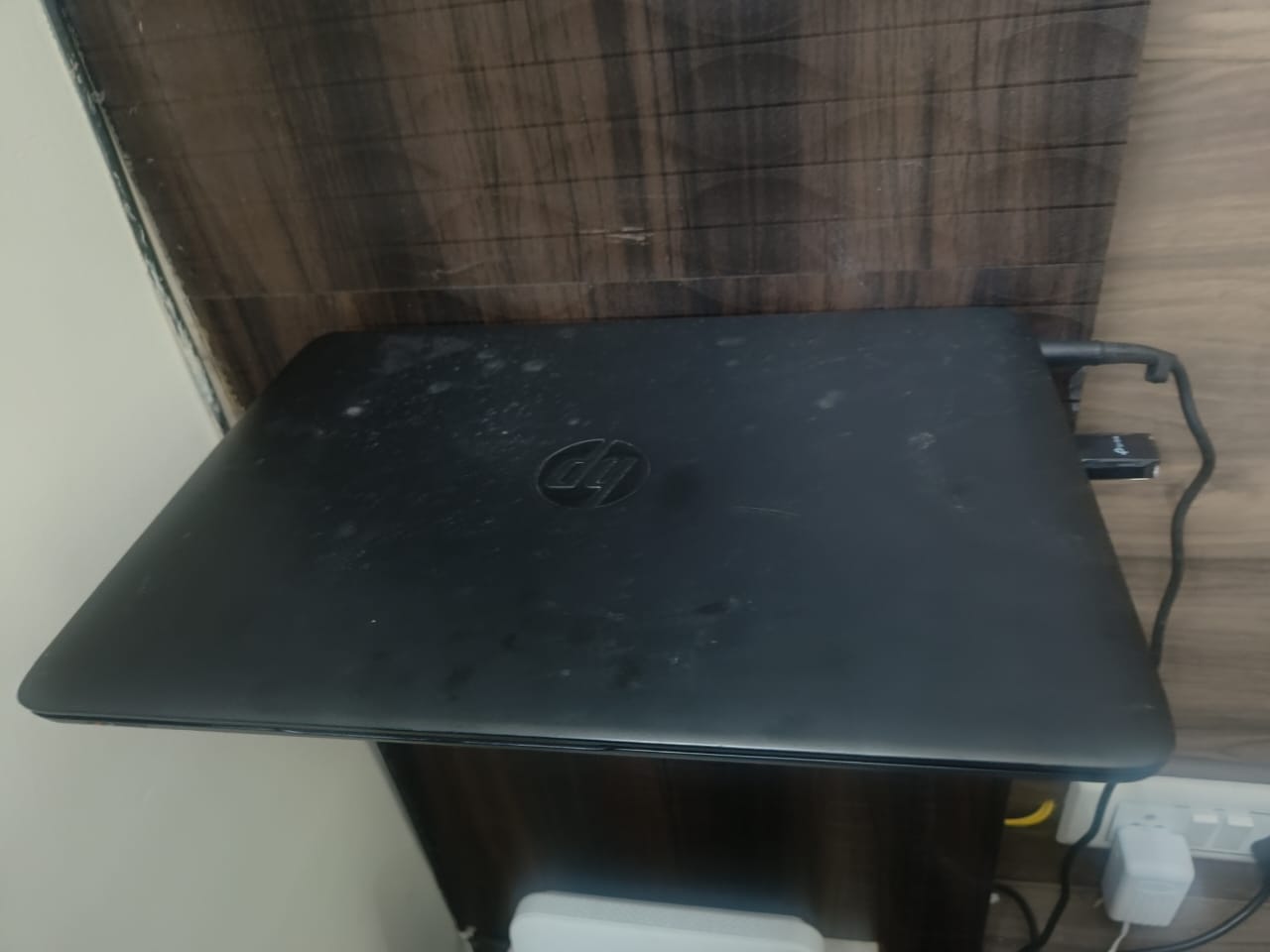
These days I spend my time on learning and exploring tools around k8s. I have access to company’s k8s cluster but I can’t break the cluster while experimenting. I have some free credits lying around in google cloud, but I think that will consume the credits very fast plus managed clusters hide a lot of abstractions from user. I had a old laptop lying around, so I thought of host my own k8s cluster on top of it.
Tools & Hardware
Tools:
- kubeadm - to initialize the cluster
- calico - CNI plugin
- docker - container runtime
- cri - cri-dockerd
Hardware:
- Device - HP Elite Book 745 G2
- OS - Lubuntu 22.04.3 LTS x86_64
- Kernel - 6.2.0-26-generic
- RAM - 16GB RAM
- CPU - AMD A10 PRO-7350B R6 4C+6G (4) @ 2.100GHz
- GPU - AMD ATI Radeon R6/R7 Graphics
Will be running a single node cluster.
Setup
Step 1 - Connecting to Elitebook
There are 3 devices behind the router - Mac, Elite Book and My Phone. Since, all of them are often connected to the same network, the router remembers and assigns them a definite and predictable IP each time.
- Router - 192.168.1.1
- Elite Book - 192.168.1.2
- Mac - 192.168.1.3
- My Phone - 192.168.1.4
I installed openssh-server on my old laptop so that I can ssh from my macbook easily. I was able to ssh into my old laptop from the internal network using password. But I wanted to bypass this step. So, I added my public key to the authorized_keys file on my old laptop.
Step 2 - Setting up the cluster with kubeadm
Docs - https://kubernetes.io/docs/setup/production-environment/
I am running docker which uses containerd to manage container’s lifecycle. Even though containerd is CRI compliant, I wanted to try out cri-dockerd. Since I will be running a single node cluster, all the resources along with kubelet will run here itself. Kubelet will constantly talk to the API server to see if it has anything to do and then will ask cri-dockerd to execute it, if it has to do anything around container lifecycle.
I will be installing k8s v1.35. As per docs, pulled all the packages needed for initializing the cluster. Downloaded the public keys of k8s, so that we can use them to verify later downloads. Downloads will have a signature which is achieved by signing contents with the private key i.e.- Signature = Metadata signed by Private Key. Signature can be opened(verified) by using the inverse of the private key i.e. Public Key which was downloaded earlier. After this, added the repo sources to the apt sources list, updated local apt cache and installed the packages.
To init the cluster I went with kubeadm init sudo kubeadm init --cri-socket=unix:///var/run/cri-dockerd.sock --pod-network-cidr=10.144.0.0/16.
I had to make sure that pod network range doesnt conflict with my internal network. ip route show can be used to check
the engaged routes. By default, control plane node is tainted so that nodes can’t schedule pods on it and they can’t host
external load balancers on it. I removed this configuration by following commands ref on doc.
Step 3 - Setting up IAC
I needed some image that can be deployed on the cluster. Lot of great public images are available on the internet. But since I wanted more control over the image, I went with the simpler approach of building my own image and hosting it on dockerhub. I also wanted to keep my cluster as code, so I went ahead, wrote all the files, committed it and pushed it to github.
Github - https://github.com/sapienfrom2000s/homelab
Step 4 - Deploying the app
Created the namespace and deployed the application simply by running kubectl apply -f . I was using ingress but there was no ingress
controller running on the cluster that would do the routing. Installed the same via helm. Now, I needed to expose the cluster so that
it can intercept traffic. There were two ways to go about it, either use external load balancer or use node port. Node Port felt like a quick
patch and non-scalable solution. So, I went ahead with external load balancer option. Went through docs of metallb and added it to
the cluster via manifests. The docs also asked to configure the intended IP range for the load balancer. I used an unused IP range of my
internal network. Had to configure the local system so that intended domain points to the load balancer IP. I edited /etc/hosts to achieve
the same
The flow looks like the following:
Macboook(making curl request) -> Router -> Elitebook -> LoadBalancer(Metallb) -> Ingress Service -> Ingress Controller -> Service(api-v1) -> Pod(api-v1)
Curl in action
Making request from Mac
1
2
3
4
5
6
7
8
9
10
11
12
13
14
15
16
17
18
19
20
21
➜  portfolio git:(main) curl http://api-v1.local -v
* Host api-v1.local:80 was resolved.
* IPv6: (none)
* IPv4: 192.168.1.240
*   Trying 192.168.1.240:80...
* Connected to api-v1.local (192.168.1.240) port 80
> GET / HTTP/1.1
> Host: api-v1.local
> User-Agent: curl/8.7.1
> Accept: */*
>
* Request completely sent off
< HTTP/1.1 200 OK
< Server: nginx/1.29.4
< Date: Sun, 25 Jan 2026 18:41:46 GMT
< Content-Type: text/plain; charset=UTF-8
< Content-Length: 13
< Connection: keep-alive
<
* Connection #0 to host api-v1.local left intact
Hello, World!
Github - https://github.com/sapienfrom2000s/homelab
Hardware that powers the cluster